Crop, remove background, draw, add text — in your browser.
A fast image editor for creators and teams. No installs, no accounts — just upload and export.
Works on desktop and mobile. Supports PNG, JPG, WEBP.
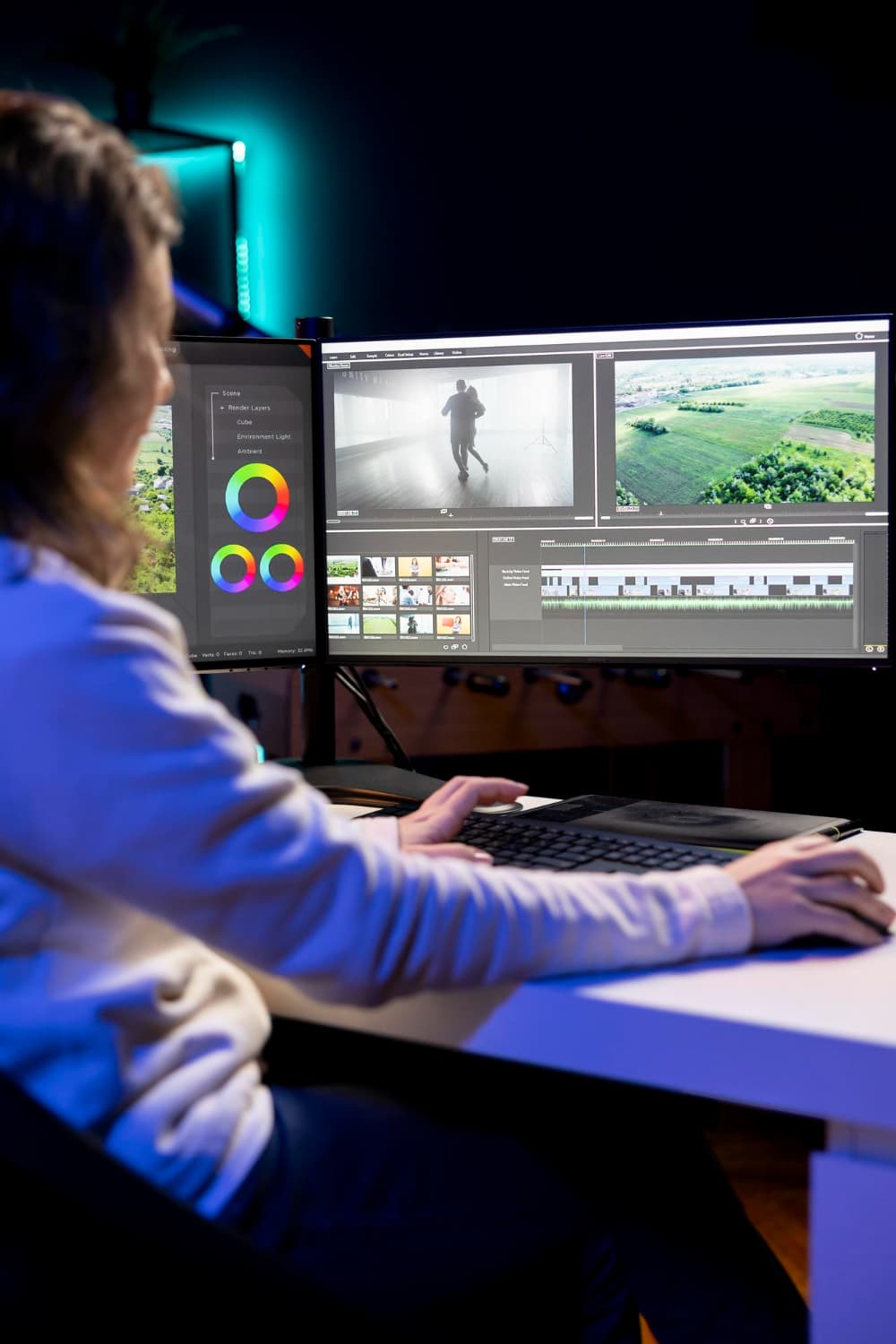
Preview
Features
Everything you need for quick edits — clean UI, fast export.
Crop & aspect ratios
Freeform + presets, accurate export.
Background removal
One-click removal + manual BG cleanup brush.
Draw & erase
Brushes, size preview, transparency eraser.
Text overlay
Fonts, bold/italic, huge sizes up to 1000px.
Export options
PNG/JPG/WebP + PNG-8 compression option.
Privacy-first
Runs in your browser; your images stay local.
Privacy-first
The editor runs in your browser. Background removal and edits happen locally, so your images stay on your device.
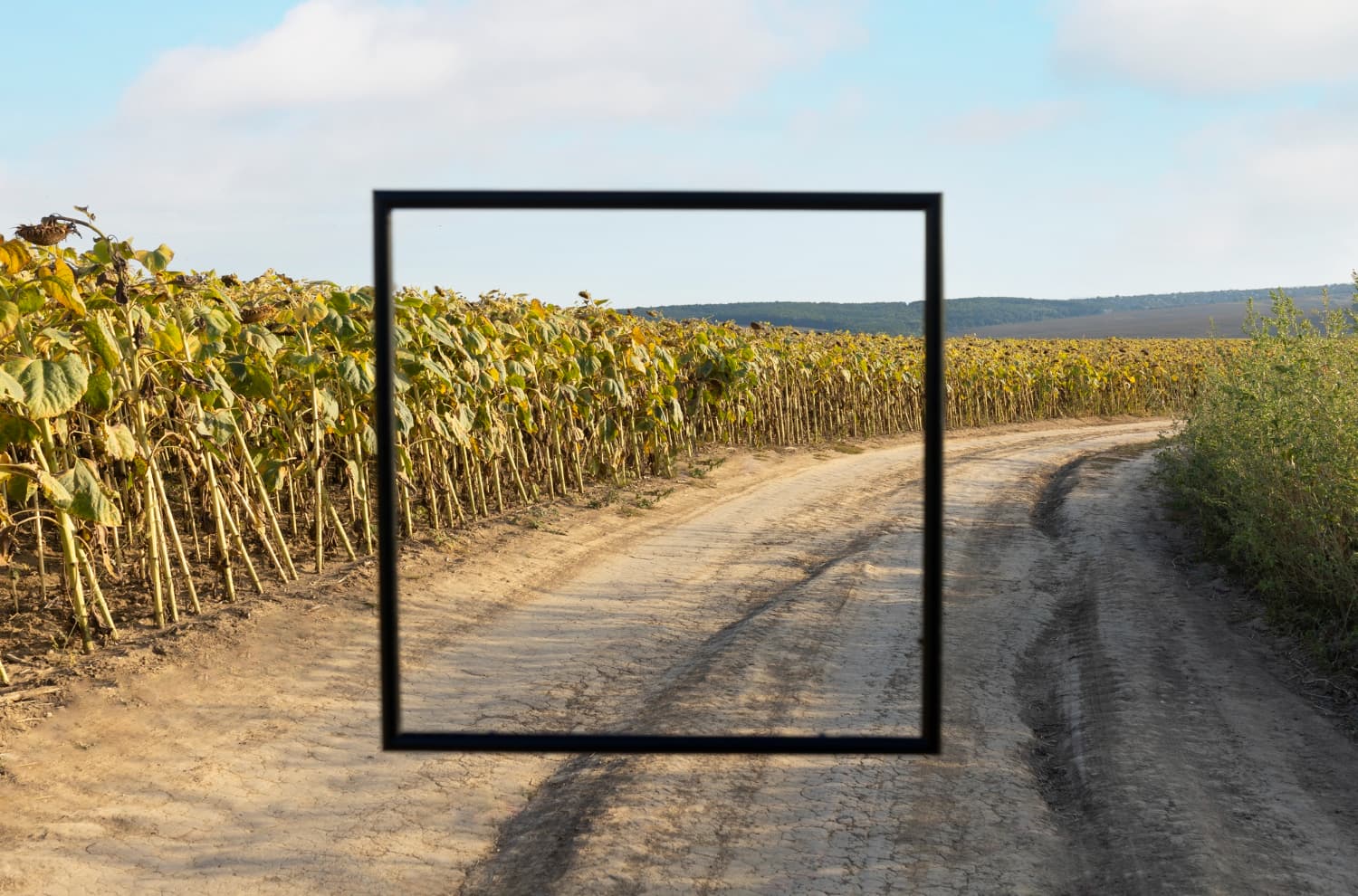
Crop
Perfect aspect ratios for social and web.
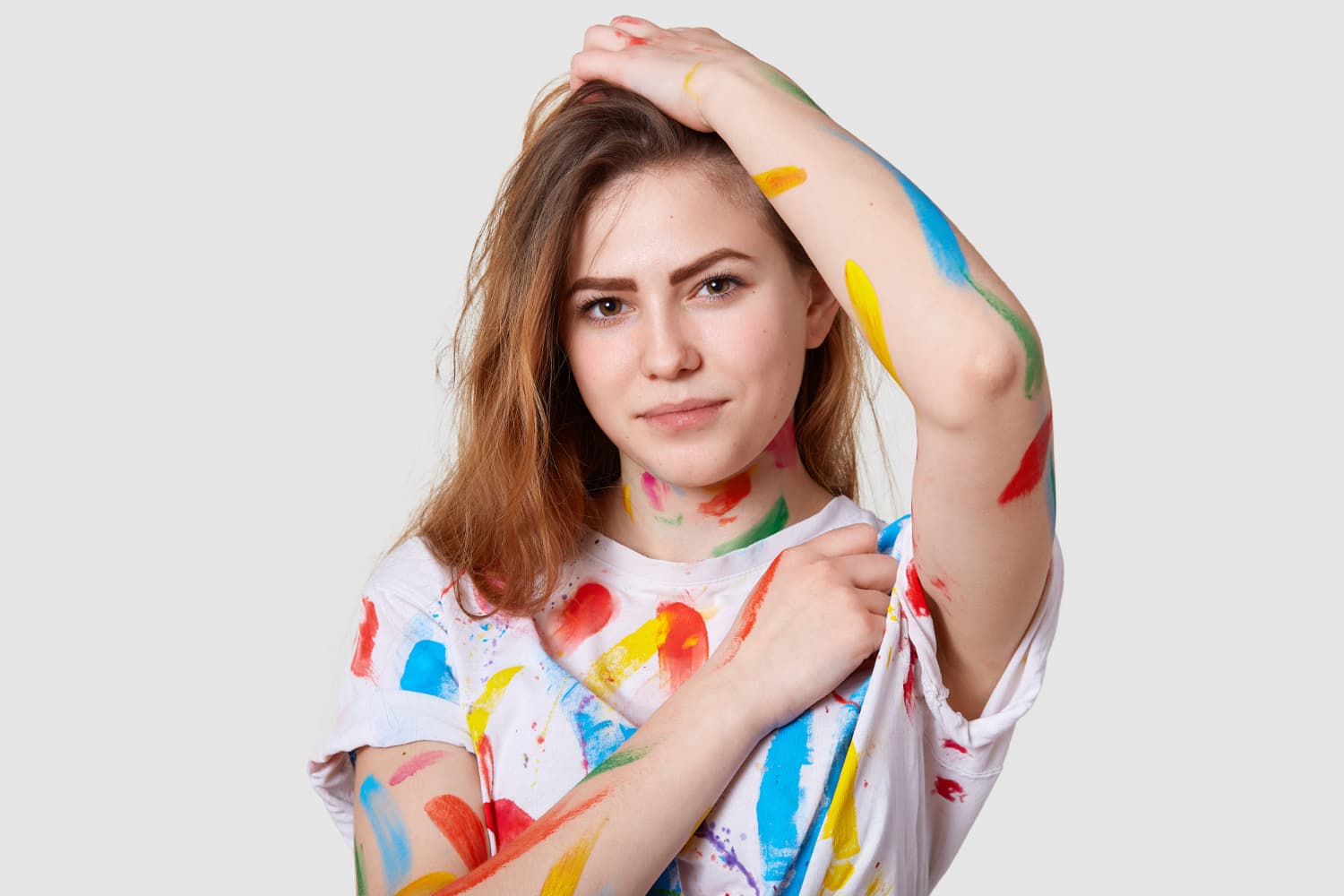
Remove background
One click plus manual clean-up.
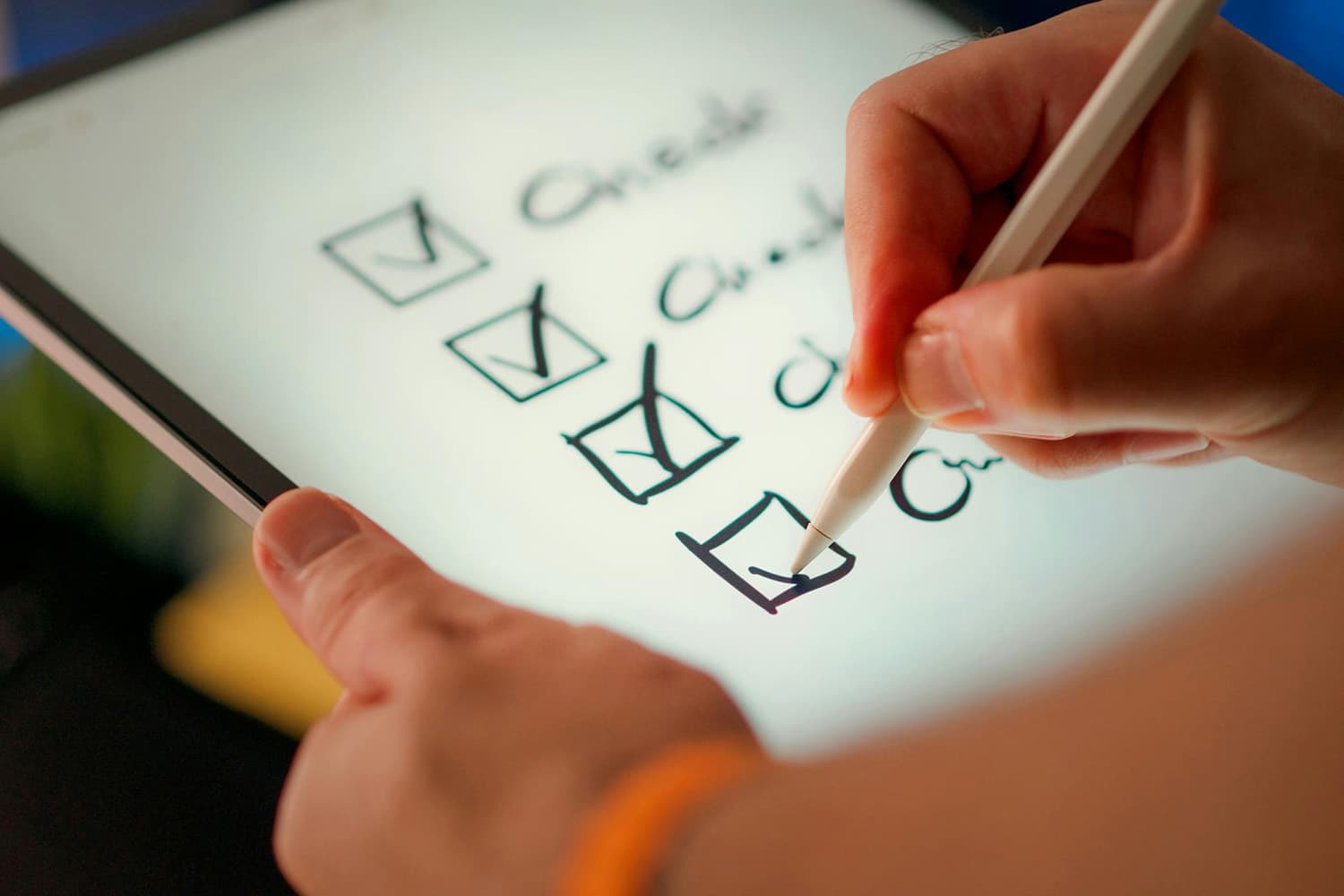
Draw & text
Annotate, highlight, and export.
FAQ
Is it free?
Yes — it runs in your browser. No signup required.
What can I export?
PNG, JPG, and WEBP. PNG-8 mode helps shrink large PNGs.
Does it work on mobile?
Yes. The UI adapts for smaller screens.
How do I start?
Open the editor, upload an image, then crop, remove background, draw, add text, and download.
Ready to edit?
Open the tool and start in seconds.